
Published on 2026-02-19
A practical look at 3D CAPTCHA for product owners and developers—use cases, trade-offs, accessibility, and implementation tips.
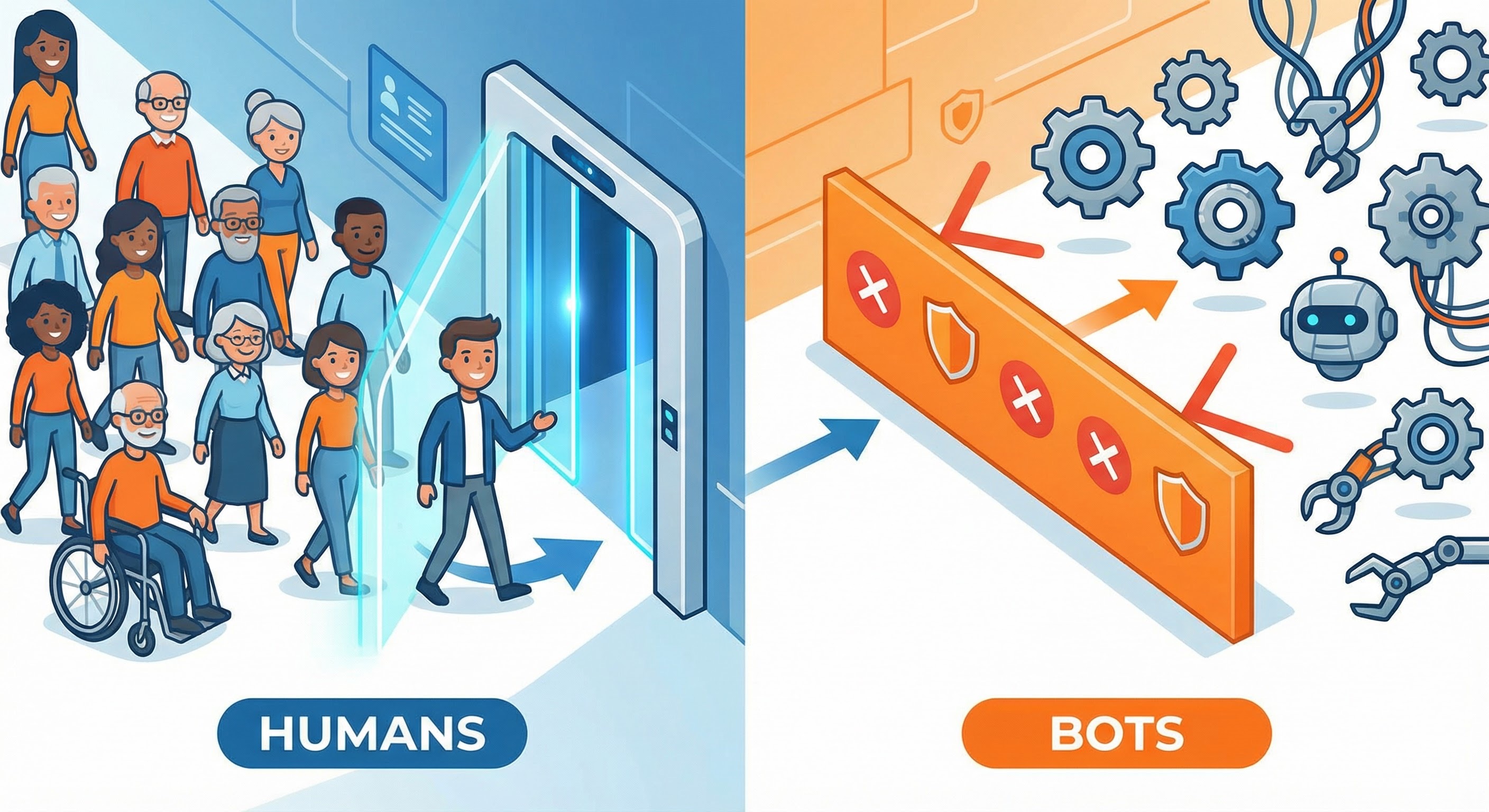
A 3D CAPTCHA is a human verification challenge that uses 3D-style visuals or interactions (think: rotating an object, matching angles, or recognising characters embedded in 3D scenes). The idea is simple: humans handle spatial reasoning well, and automation has historically found it harder.
You’ll often see 3D CAPTCHA used on high-risk journeys like sign-up, login, password reset, and checkout. It’s part security measure, part traffic filter.
Primary keywords: 3D CAPTCHA, CAPTCHA
Secondary keywords: bot prevention, human verification, accessibility, fraud prevention
In practice, “3D CAPTCHA” usually means one of two families:
Academic work explores 3D text-based CAPTCHAs (for example, embedding 2D text as textures on 3D objects or using 3D projection) as a way to make OCR harder.
For product owners and developers, the key is treating 3D CAPTCHA as one tool, not the tool.
Used well, CAPTCHA challenges can slow down opportunistic automation and add friction at the right moments. Used everywhere, they become a blunt instrument that increases drop-off and support tickets.
A practical model looks like this:
That “step-up” is where a 3D CAPTCHA can sit.
If you’re considering 3D CAPTCHA, build around a few engineering realities:
Don’t challenge every request. Trigger 3D CAPTCHA when your system sees suspicious signals, such as:
Instrument your funnel:
These are the metrics that decide whether 3D CAPTCHA is helping your business or simply moving numbers around.
CAPTCHAs sit right in the middle of accessibility requirements. WCAG techniques recommend providing an alternative CAPTCHA modality so users can complete the task in different ways.
If you ship a visual 3D CAPTCHA, ensure there’s a viable alternative path (and that it’s actually discoverable), per WCAG guidance:
Bot operators don’t only use “smart AI”. They also:
So your goal isn’t “a CAPTCHA no bot can ever solve”. Your goal is raising attacker cost while keeping legitimate traffic flowing.
Imagine you run a SaaS product with a free trial. You’re seeing bursts of sign-ups from a small set of networks, followed by API scraping.
A sensible approach:
This keeps friction focused where it buys you something.
If your priority is fast onboarding with fewer interruptions, consider bot prevention that leans on passive signals and only challenges when truly necessary.
That’s the approach we take at Humans Only: Stop Bots, Welcome Humans. We verify users in under 2 seconds, with privacy-first design (zero tracking), real-time analytics, and drop-in integration.
If you want to reduce automated sign-ups, credential stuffing, and promo abuse while keeping the flow smooth, start with risk scoring and step-up challenges rather than defaulting to puzzles.
A 3D CAPTCHA can be a useful step-up tool for human verification on higher-risk events. For product owners, the win is lower abuse with acceptable funnel impact. For developers, the win is a measurable, instrumented control that’s easy to tune.
If you’re building a modern bot prevention stack, treat 3D CAPTCHA as a selective challenge—backed by risk signals, monitored with conversion metrics, and implemented with accessibility in mind.
We use cookies to improve your experience and anonymously analyze usage.
