
Published on 2026-02-19
A practical, risk-based approach to bot prevention for product owners and developers—without turning every user journey into a puzzle.
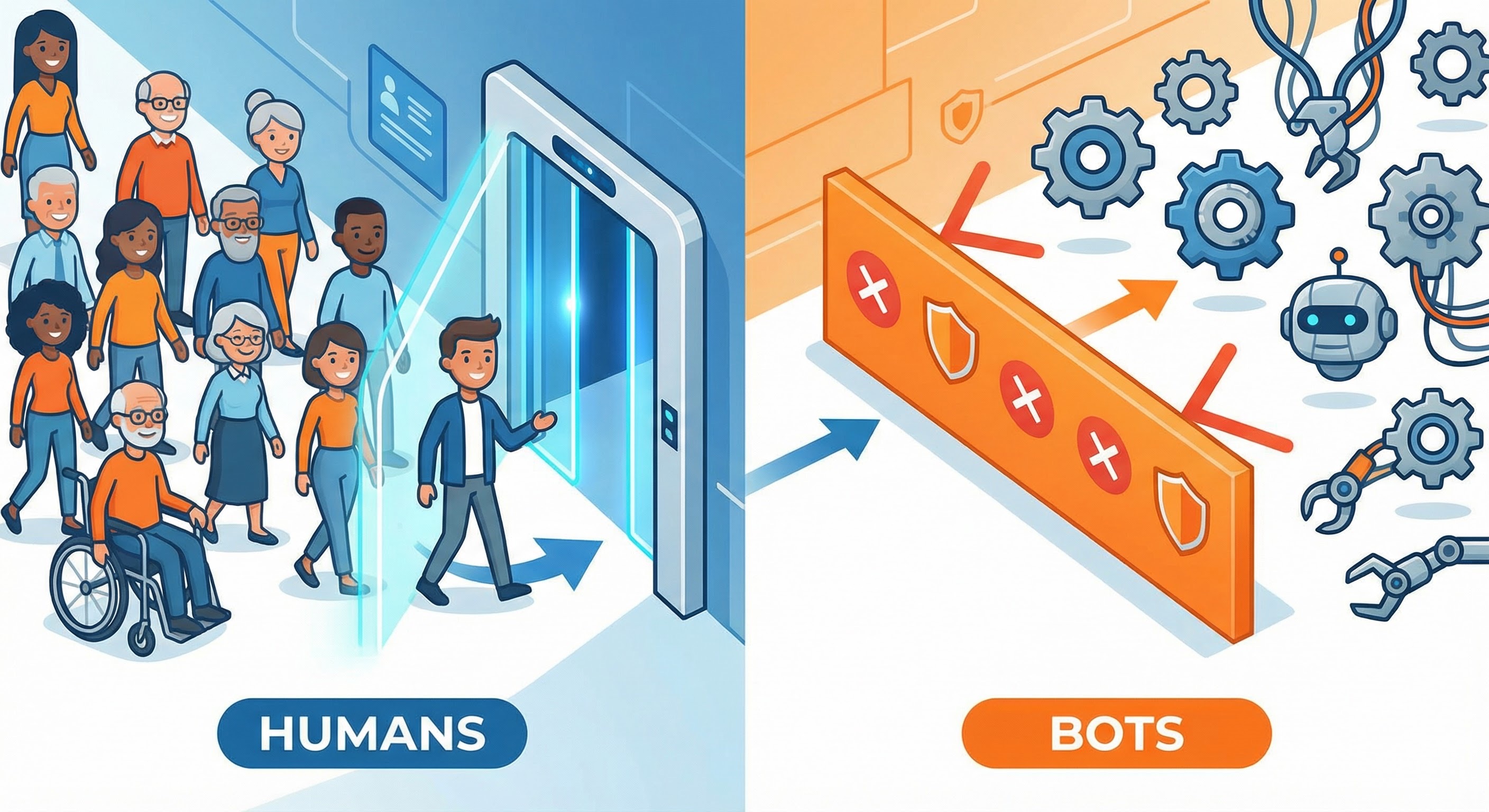
When teams ask for an advanced CAPTCHA solution, they’re rarely asking for a fancier puzzle. They’re asking for fewer fake sign-ups, fewer credential-stuffing attempts, less scraping, and less promo abuse—without turning the UX into an obstacle course.
In 2026, “advanced” is less about the challenge and more about the system: passive signals, risk decisions, and step-up verification only when it’s actually warranted.
Most effective CAPTCHA solutions now follow the same shape:
This is the same model popularised by score-based approaches like reCAPTCHA v3, which returns a risk score you act on server-side (0.0–1.0) rather than forcing every user through a puzzle (Google reCAPTCHA v3 docs).
An “advanced CAPTCHA” is usually a bot prevention stack with a few dependable building blocks. Here’s what tends to work in real products.
Use passive detection for the majority of traffic, then reserve interactive checks for suspicious sessions.
Example: 97% of sign-ups go straight through. The 3% coming from data-centre IP ranges, with bursty attempts and automation-like browser signals, get stepped up.
Avoid “CAPTCHA on/off”. Ship a policy that you can tune per endpoint:
This maps cleanly to funnels (product) and to middleware/edge handlers (developers).
For login and other authentication actions, rate limiting is not optional—it’s foundational. NIST’s Digital Identity Guidelines state that verifiers shall implement rate limiting to effectively limit failed authentication attempts (NIST SP 800-63B).
Example: POST /login gets tight per-account and per-IP limits; POST /password-reset gets even stricter controls plus additional verification when attempts spike.
“Advanced” also means picking the right step-up for the action:
Example: Don’t add extra steps to every newsletter signup. Do add a WebAuthn step-up for a risky login to a high-value account.
Most “advanced CAPTCHA” projects fail for boring reasons:
If you take one operational habit: instrument the funnel and review weekly. You want to see challenge rates, pass rates, time-to-complete, false positives, and successful abuse per endpoint.
Pick one flow and get it right before you expand.
POST /signup or POST /login.This keeps scope sane and gives you a defence you can explain to the business and operate on-call.
Humans Only is an advanced CAPTCHA solution built around modern risk-based verification: enjoyable for humans, impossible for bots. It’s fast (typically under 2 seconds), privacy-first (zero tracking), and designed as a drop-in integration with real-time analytics.
If you’re trying to stop automated abuse without slowing your product, the goal isn’t “more CAPTCHA”. It’s smarter decisions, selective step-ups, and clean measurement—so you can Stop Bots, Welcome Humans.
We use cookies to improve your experience and anonymously analyze usage.
