
Published on 2026-02-19
A practical, risk-based playbook for product owners and developers: defend high-value endpoints, keep UX smooth, and make abuse expensive.
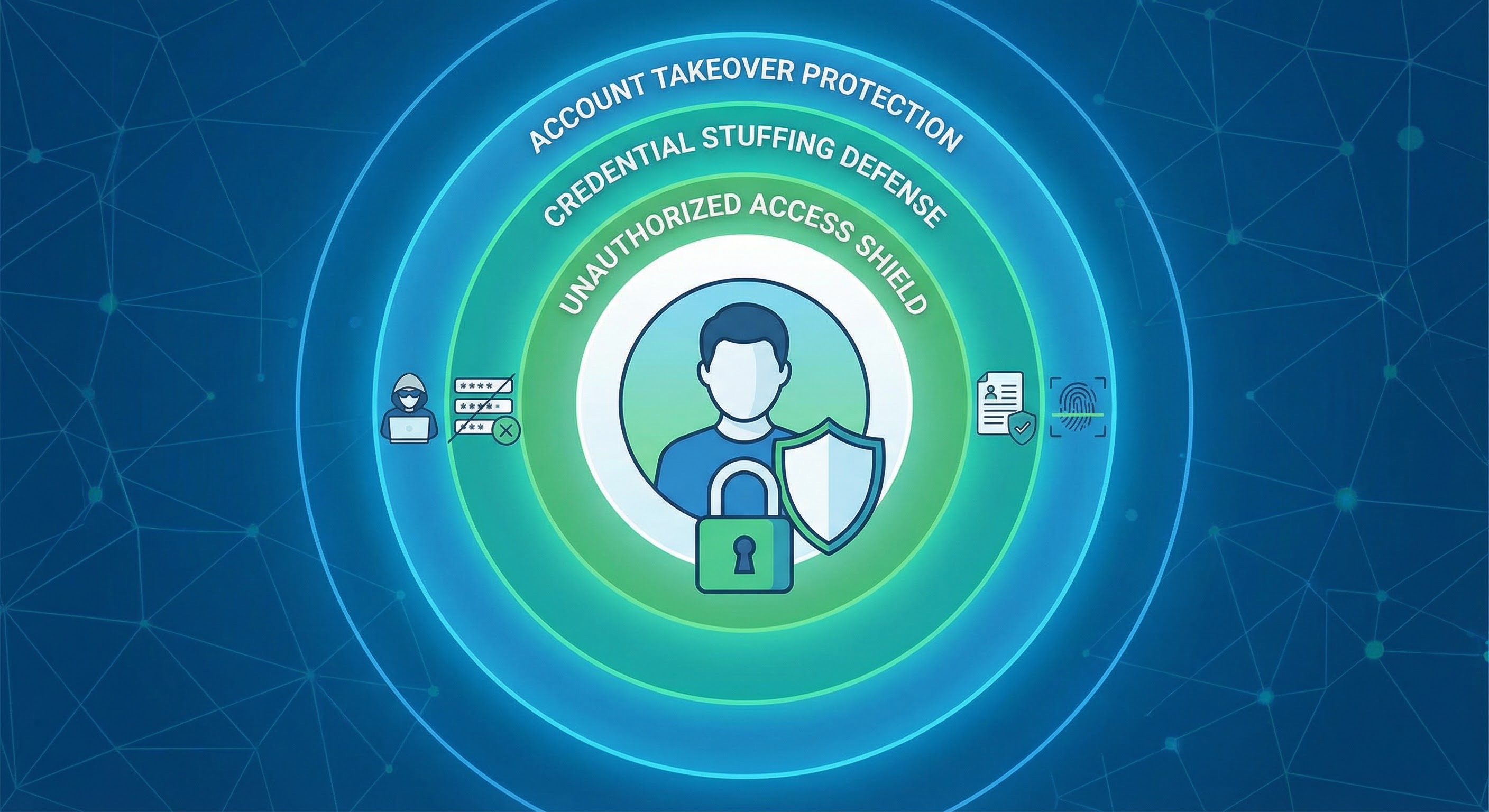
“Automated attacks” sounds abstract until you see it in your dashboards: a sudden surge of login attempts, a flood of sign-ups that never activate, or an API bill that jumps overnight.
OWASP frames these as automated threats to web applications—abuse of normal functionality at machine speed (credential stuffing, credential cracking, scraping, account creation abuse) rather than one magic exploit (OWASP Automated Threats). That framing helps because it turns “block bots” into a very practical question: which actions do we need to defend, and how do we respond when risk rises?
Primary keywords: block automated attacks, bot prevention
Secondary keywords: rate limiting, credential stuffing, website bot protection, human verification
Bots don’t browse. They transact.
If you’re trying to block automated attacks quickly, focus on:
POST /login): credential stuffing and credential crackingPOST /signup): fake accounts, trial abuse, referral farmsA clean way to label what you’re seeing is the OWASP Automated Threat Handbook taxonomy (for example, credential stuffing and scraping each have distinct patterns and countermeasures) (OWASP OAT-008 Credential Stuffing, OWASP OAT-011 Scraping).
If you want to block automated attacks without breaking your funnel, you need a system you can tune—not a single “bot switch”.
A pattern you’ll see across modern website bot protection products is:
Score-based approaches like reCAPTCHA v3 made the “Decide” step mainstream by returning a score you enforce server-side (reCAPTCHA v3 docs). Whether you use a score or rules, the core idea is the same: your backend should make the final decision.
This is the simplest policy that still holds up under pressure:
Product owners like this because it’s a clear UX trade-off. Developers like it because it’s observable and debuggable.
NIST’s Digital Identity Guidelines explicitly require rate limiting (throttling) to effectively limit failed authentication attempts in many contexts (NIST SP 800-63B).
In practice:
When you do throttle, return HTTP 429 Too Many Requests (standardised in RFC 6585) and include a Retry-After header so legitimate clients can recover cleanly (RFC 6585).
Don’t challenge every request. Put step-up verification on actions that can be abused for money, access, or scale.
Good triggers include:
Scraping often looks different from account attacks: lots of GETs, predictable paths, and systematic crawling.
A practical playbook:
Say you’re seeing 10× more login attempts, but successful sign-ins haven’t increased. That’s a classic credential stuffing smell.
Rollout that works for both PMs and devs:
POST /login (attempts, failures, unique accounts targeted).You’ve “blocked automated attacks” when attackers can’t scale, and your real users still get through quickly.
“Requests blocked” is not the goal. You want to see impact without collateral damage.
Track:
Humans Only is bot prevention built for product owners and developers who need to block automated attacks without turning core flows into a chore.
It’s fast (typically under 2 seconds), privacy-first (zero tracking), easy to drop in, and includes real-time analytics so you can tune policies with confidence.
To block automated attacks, protect the endpoints attackers monetise, enforce rate limiting like you mean it, and use a simple Allow / Step-up / Block policy you can actually run.
If you want bot prevention that feels smooth for real people and brutally un-fun for automation, Humans Only is built for exactly that: Stop Bots, Welcome Humans.
We use cookies to improve your experience and anonymously analyze usage.
