
Published on 2026-02-19
A practical, risk-based approach to stopping credential stuffing and brute force—without turning login into a side quest.
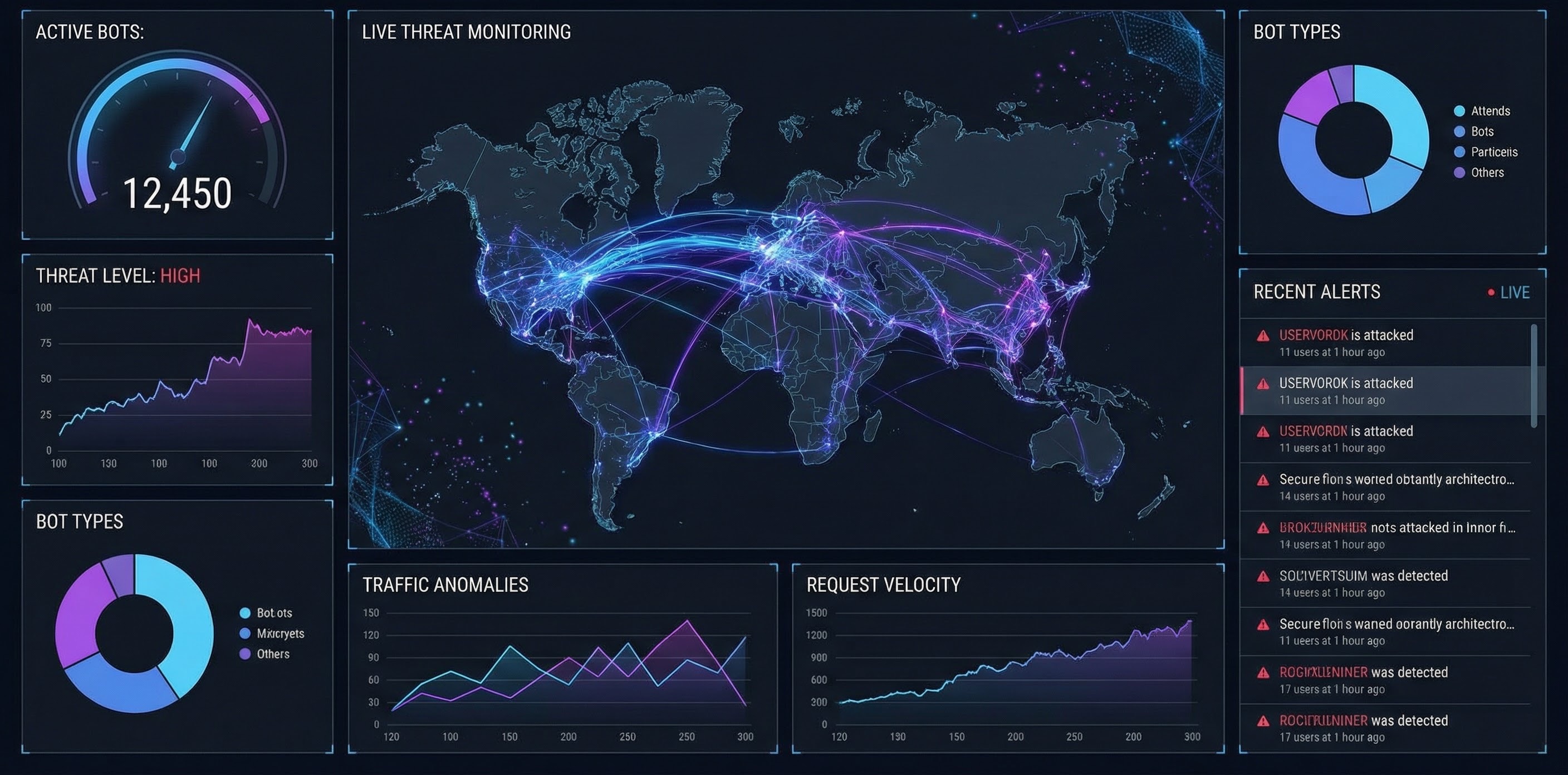
A CAPTCHA for a login page is meant to slow down automated login attempts—think credential stuffing, password spraying, and brute-force guessing. It’s a speed bump that asks, “Are you likely a real person?” before you let the request hit the expensive part of your stack.
What it can’t do is “secure login” on its own. If the rest of your defences are thin (no throttling, weak monitoring, no step-up auth), bots will simply route around the puzzle, distribute attempts, or adapt.
If you’re a product owner, the trigger is usually a metric: spikes in failed logins, increased support tickets, higher infrastructure cost, or unusual geo/device patterns. For developers, the trigger is often a specific endpoint under heat: POST /login or POST /sessions.
According to the OWASP guidance on credential stuffing prevention, CAPTCHAs can help identify automated attacks and slow down credential stuffing or password spraying—especially when used thoughtfully rather than on every attempt (OWASP Credential Stuffing Prevention Cheat Sheet).
Slapping a challenge on every login attempt is easy to ship—and easy to regret. It increases page weight, adds a third-party dependency (in many cases), and makes your login flow harder to observe and tune.
A better approach is risk-based human verification: most logins go through normally; suspicious logins get stepped up.
This is the same model we recommend for bot prevention generally, but it’s especially effective for login.
This model maps cleanly to score-based systems too. For example, reCAPTCHA v3 returns a score and expects your backend to decide what to do with it (reCAPTCHA v3 docs).
If your only control is a CAPTCHA, you’re leaving money on the table. NIST’s digital identity guidance calls out throttling for limiting failed authentication attempts (see SP 800-63B, throttling mechanism in section 5.2.2 in many editions/drafts), which is exactly what credential stuffing tries to defeat at scale (NIST SP 800-63B).
Here’s a sensible baseline stack for a login page:
Use this as a starting point and tune from real traffic:
Concrete example: a consumer app sees a sudden spike in failed logins from a single ASN. Your policy throttles that ASN, steps up first-time devices with a quick verification, and leaves returning customers alone.
Placement matters more than most teams think.
POST /password/reset with similar logic.If you use a widget-based approach, ensure the server verifies the token and ties it to the expected action (login), not just “token is valid”. That’s core to score/action approaches like reCAPTCHA v3.
Treat login protection like a funnel you can measure.
Track:
If you can’t see those numbers, you can’t tune your CAPTCHA for login page effectively—because you won’t know whether you’re stopping bots or just adding friction.
Humans Only is a CAPTCHA alternative and human verification API designed for exactly these high-value endpoints—especially login pages. Instead of relying on static challenges, you can run risk-based verification that’s fast (typically under 2 seconds), privacy-first (zero tracking), and straightforward to drop into your backend.
For product owners, this means clearer outcomes (allow / step-up / block) and analytics you can actually use. For developers, it means a predictable integration point right before POST /login, with decisions you can enforce consistently.
A CAPTCHA for a login page works best as a step-up tool—paired with throttling, detection, and strong account security like MFA or passkeys. Build it as a measured system, not a widget you hope will fix everything.
If you want to stop bots and welcome humans without turning login into a mini-game, Humans Only gives you a practical, modern way to do it.
We use cookies to improve your experience and anonymously analyze usage.
