
Published on 2026-02-19
Protect login, checkout and inventory with risk-based defences that stop automation and keep real customers moving.
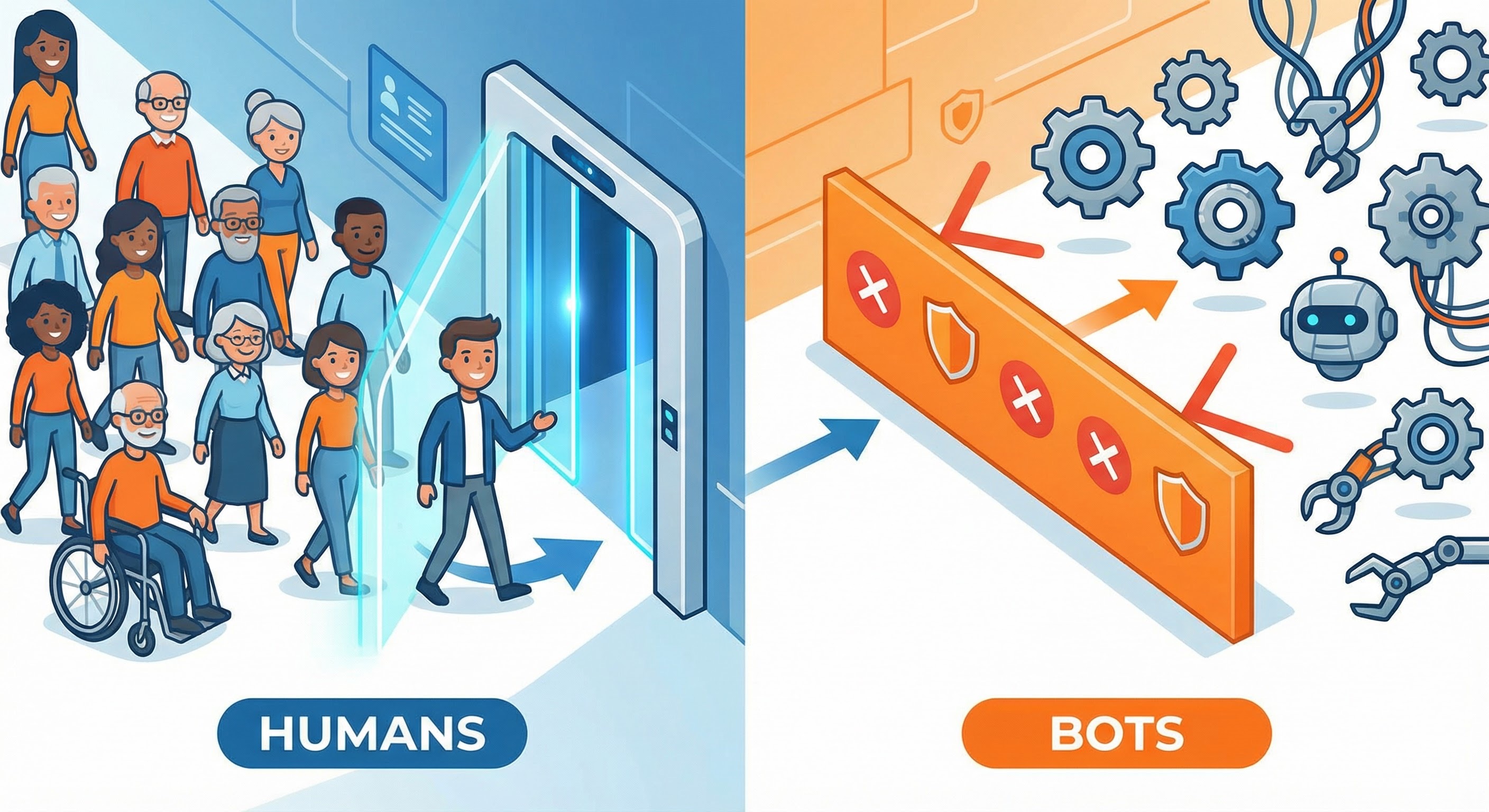
Ecommerce bot protection isn’t about “reducing bot traffic”. It’s about stopping automated abuse of the actions that move money—without getting in your real customers’ way.
OWASP frames this as automated threats to web applications: attackers abuse normal functionality (login, checkout, search) at machine speed, not by “hacking” in the movie sense (OWASP Automated Threats). In ecommerce, that difference matters, because your “normal” flows are the product.
Most shops don’t notice bots until the symptoms hit revenue, ops, or both. Here are the usual suspects.
Product owners feel this as worse conversion, higher declines, and angry support tickets. Developers feel it as rate spikes, noisy logs, and incident-driven roadmap drift.
If you want ecommerce bot protection that’s shippable (and operable), keep the mental model boring:
The best policy for cross-functional teams is still:
That’s it. If you can’t explain your bot strategy in those three outcomes, you’ll struggle to tune it without breaking conversion.
Ecommerce bots don’t “browse”; they target the endpoints with value. Protect those first, then expand.
POST /login and password reset flows (account takeover and fraud)POST /checkout / payment authorisation attempts (card testing and scripted fraud)Concrete example: if card testing is your headache, protecting only the login page won’t help much. You need controls around payment attempts and tokenisation, because that’s where the bot’s ROI is.
You don’t need a dozen tools. You need a few controls that reinforce each other.
Rate limiting is unglamorous and wildly effective when it’s done per endpoint with sensible keys. Cloudflare’s WAF docs show practical patterns like applying different thresholds by URI path and method, and escalating penalties as behaviour worsens (Cloudflare rate limiting best practices).
For ecommerce bot protection, don’t key on IP alone. Use combinations such as:
Blanket challenges across the whole shop are a conversion tax. Instead, trigger step-up checks when signals stack up:
PCI SSC explicitly recommends a layered defence to mitigate account testing (also called card testing/BIN attacks), rather than relying on any single control (PCI SSC: Beware of Account Testing Attacks).
Small implementation choices can make automation brittle:
These are not “security theatre”; they’re practical friction against scripts.
Your ecommerce bot protection should allow the bots you want (search crawlers, uptime monitors, approved integrations). Treat “block all bots” as a bug, not a feature.
If you only measure “blocked requests”, you’ll tune your system into a conversion problem.
Track:
Concrete example: a good week isn’t “we blocked 2 million requests”. It’s “checkout conversion stayed flat, declines dropped, and card testing attempt volume collapsed.”
Start narrow, prove impact, then expand.
POST /login or payment attempts).This keeps ecommerce bot protection as an optimisation loop, not a permanent emergency.
Humans Only is built for ecommerce bot protection that’s fast, privacy-first, and pleasant for real customers. You get user-friendly verification (no frustrating image puzzles), typically completes in under 2 seconds, plus real-time analytics so you can tune per endpoint with confidence.
If you want to protect login, checkout, and high-value APIs without turning your store into a fortress with a queue outside, Humans Only is designed for it: Stop Bots, Welcome Humans.
We use cookies to improve your experience and anonymously analyze usage.
