
Published on 2026-02-19
How to stop automated abuse with a simple API pattern: detect, decide, and respond—without turning your UX into a side quest.
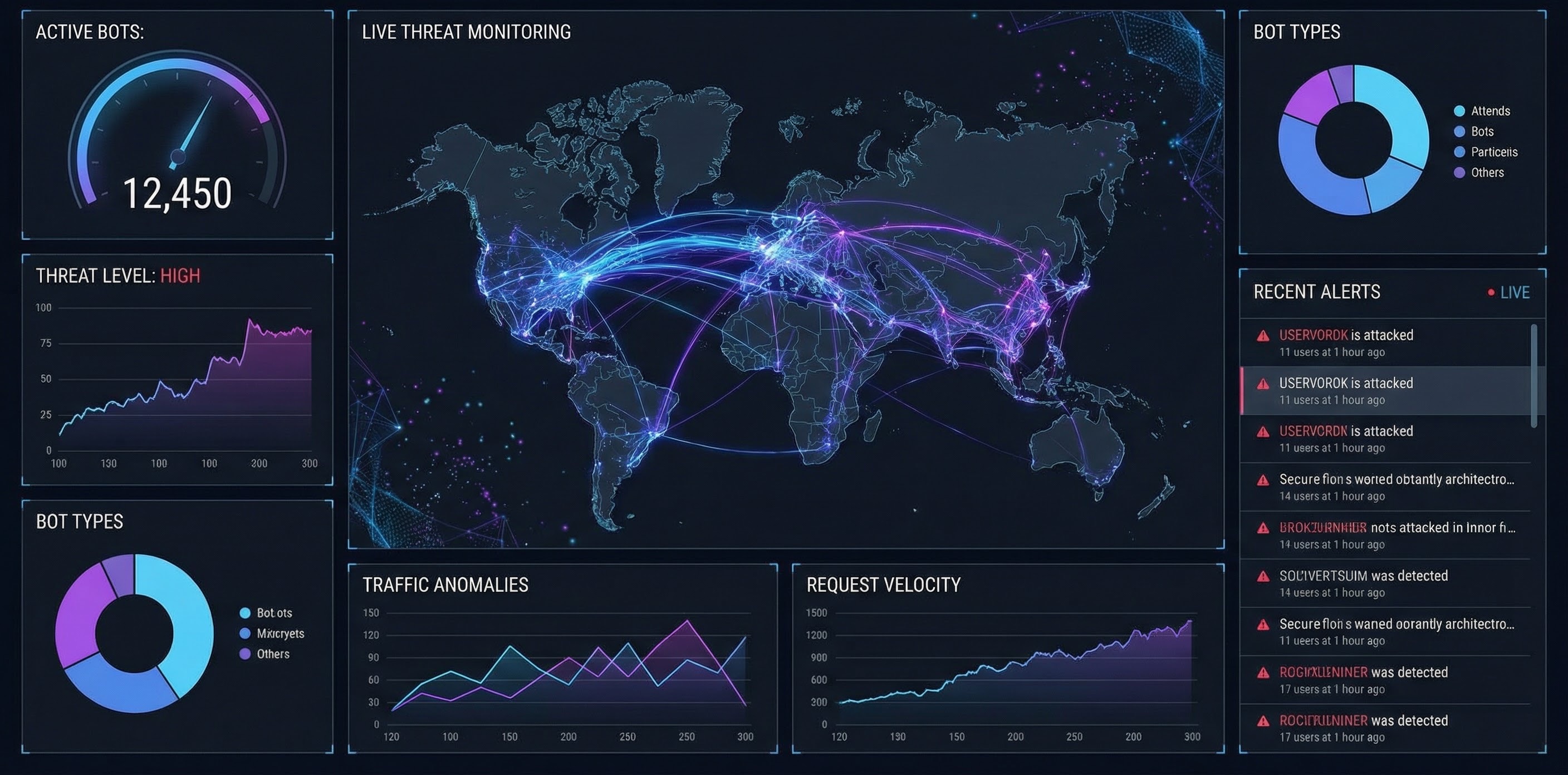
A human verification API is a programmable way to decide whether an interaction is coming from a real person or automated traffic, and then respond accordingly. Instead of bolting a “bot check” onto the UI as an afterthought, you put a verification decision into your backend the same way you’d add payments, emails, or feature flags.
Done well, it’s less about one clever trick and more about a repeatable pattern: detect signals, make a risk decision, then allow, step-up, or block.
Bots rarely arrive with a calendar invite. You notice the side effects: sign-ups spike but activation doesn’t, login attempts surge, promo claims get “weirdly efficient”, or your API bills suddenly look ambitious.
OWASP groups these behaviours under automated threats against normal application functionality (credential stuffing, account creation, scraping, and more) — which is a helpful way to frame the problem when you’re prioritising what to protect first (OWASP Automated Threats to Web Applications).
If your human verification API doesn’t map cleanly to this model, you’ll struggle to operate it in production.
This “decision” approach is common in score-based systems too. For example, reCAPTCHA v3 returns a score and expects your backend to decide what to do with it (reCAPTCHA v3 docs).
Don’t start by protecting “the whole site”. Start where attackers can make money.
Good first endpoints:
If you’re also thinking about stronger account-level assurance, passkeys can be a great step-up for risky logins. WebAuthn is the W3C standard API for public-key credentials in the browser (WebAuthn spec).
Here’s the simplest pattern that scales across teams and endpoints.
For example, on POST /signup or POST /login, call your human verification API with the request context you already have (session identifiers, endpoint name, basic client info).
The API should return a clear decision you can act on.
This is the bit that keeps projects from turning into never-ending “bot tuning”.
“Blocked requests” is a vanity metric. Track the metrics you’ll actually argue about in a roadmap review:
Imagine a B2B SaaS with a free trial:
A sensible setup using a human verification API:
POST /signup.The goal isn’t “maximum blocking”. The goal is fewer successful fake sign-ups with minimal impact on real users.
A quick shortlist that saves you from buying a black box you can’t run.
Humans Only is a human verification API built for product owners and developers who want to stop bots while keeping the experience pleasant for real users. It’s fast (typically under 2 seconds), privacy-first (zero tracking), easy to drop in, and comes with real-time analytics so you can see what changed after launch.
If you want a human verification API that behaves like a clean product primitive — predictable outcomes, simple integration, measurable impact — Humans Only is built for exactly that.
A good human verification API doesn’t just “catch bots”. It gives you a reliable decision point in the backend, a simple allow/step-up/block policy, and the metrics to tune without guessing.
Build it like a funnel, protect your highest-value endpoints first, and keep the UX smooth for the people you actually want. Stop Bots, Welcome Humans.
We use cookies to improve your experience and anonymously analyze usage.
