
Published on 2026-02-19
A practical playbook for product owners and developers: throttle intelligently, step up when it’s suspicious, and keep real users moving.
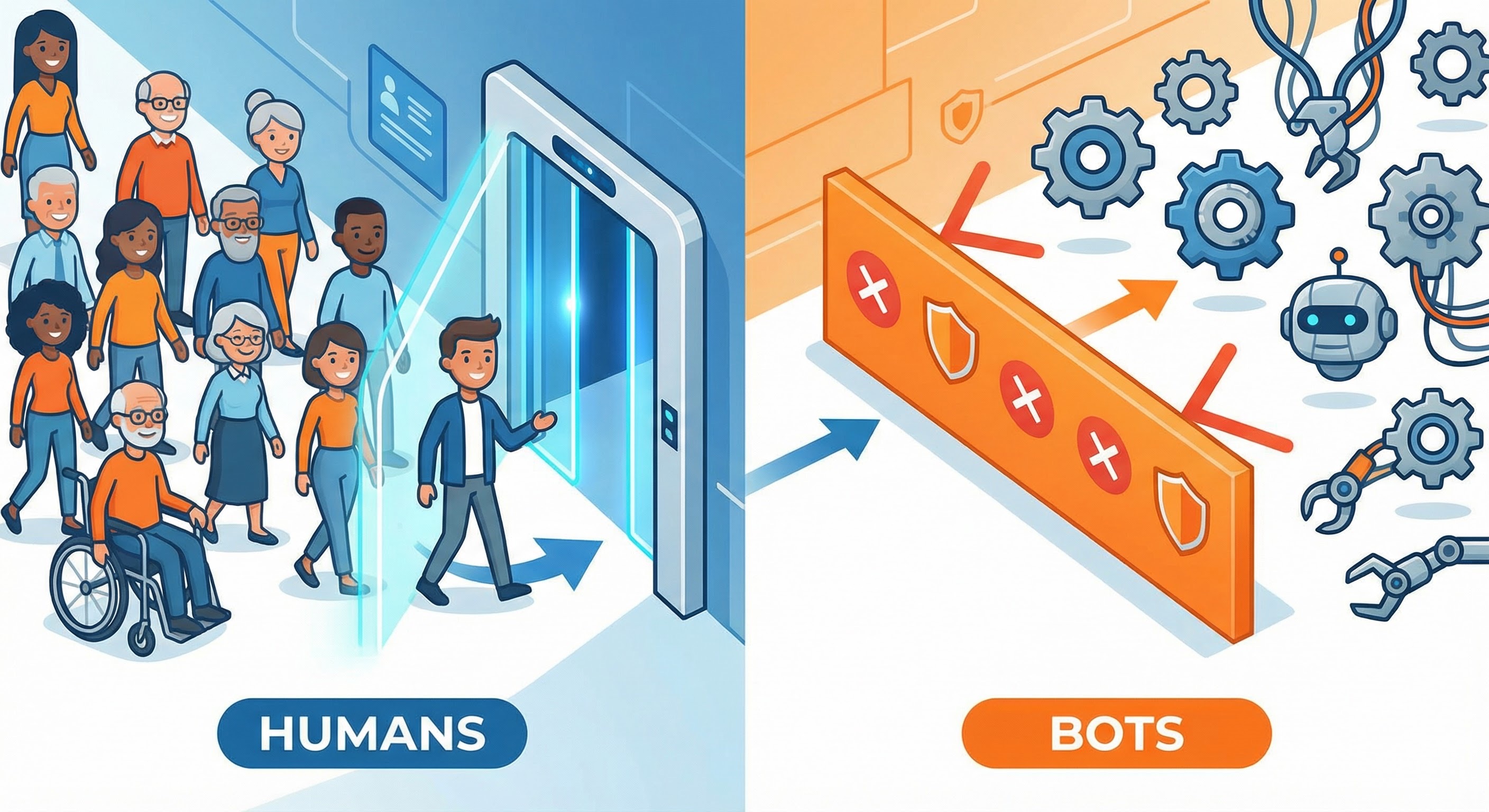
A brute force attack is an automated attempt to guess credentials by trying lots of passwords (or lots of usernames) until something works. In practice, it shows up as high-volume failed logins, password spraying (“one common password across many accounts”), or distributed attempts across many IPs.
OWASP’s guidance puts it plainly: you can’t “solve” brute force forever, but you can make it expensive, slow, and visible enough that it stops being profitable (OWASP: Blocking Brute Force Attacks).
Product owners usually want two outcomes: fewer compromised accounts and no conversion cliff. Developers want something enforceable at the edge of POST /login that won’t melt under load.
The most reliable way to prevent brute force attacks is to combine three things:
NIST explicitly calls for rate limiting to constrain failed authentication attempts (NIST SP 800-63B). That’s your baseline.
If you only ship one pattern, ship this. It keeps product and engineering aligned, and it’s easy to tune from real traffic.
This is how you stop brute force at scale without treating every user like a suspect.
Simple IP-based rate limiting is a start, but brute force tooling is happy to rotate IPs. If you only limit by IP, you’ll slow the clumsiest attackers and annoy shared networks.
A stronger setup layers counters:
username/email fails per 15 minutes
Concrete example: limit POST /login to 10 attempts/min/IP, and 5 failed attempts/15 min/account. The first catches hammering; the second catches “slow and distributed”.
Cloudflare’s own rate limiting best practices show how granular rules (method + path + penalty windows) are commonly applied to login endpoints (Cloudflare rate limiting best practices).
Account lockout feels satisfying, but OWASP notes it has blind spots: it’s ineffective against attacks spread across many usernames, and it can be abused as a denial-of-service against your users (OWASP: Blocking Brute Force Attacks).
Prefer progressive friction over hard lockouts:
This is where a CAPTCHA alternative or human verification layer pays for itself. You don’t want a permanent gate; you want a smart one.
Trigger step-up when signals stack up, such as:
Then your response is simple: prove you’re human, then try again.
If a user keeps hitting step-up, that’s a hint: either they’re struggling, or someone’s poking the account. Give them a better, safer path.
OWASP’s MFA guidance is blunt: MFA is one of the best defences against password attacks, including brute force and credential stuffing (OWASP MFA Cheat Sheet).
Practical product pattern:
Use this to get something live quickly, then tune with data:
This prevents brute force attacks from being “cheap”, while keeping happy-path login fast.
If you don’t measure it, you’ll either over-challenge humans or under-stop bots.
Track:
Humans Only is built for bot prevention on high-value endpoints like login and password reset: fast (typically under 2 seconds), privacy-first (zero tracking), and easy to drop in.
Use Humans Only to run risk-based human verification: most users flow through normally, while suspicious login attempts get stepped up or blocked with clear, measurable outcomes.
If you’re ready to prevent brute force attacks without turning authentication into a never-ending UX debate, Humans Only helps you Stop Bots, Welcome Humans.
We use cookies to improve your experience and anonymously analyze usage.
