
Published on 2026-02-19
Protect high-value actions with risk-based decisions, smart rate limiting, and measurable outcomes—without derailing your UX.
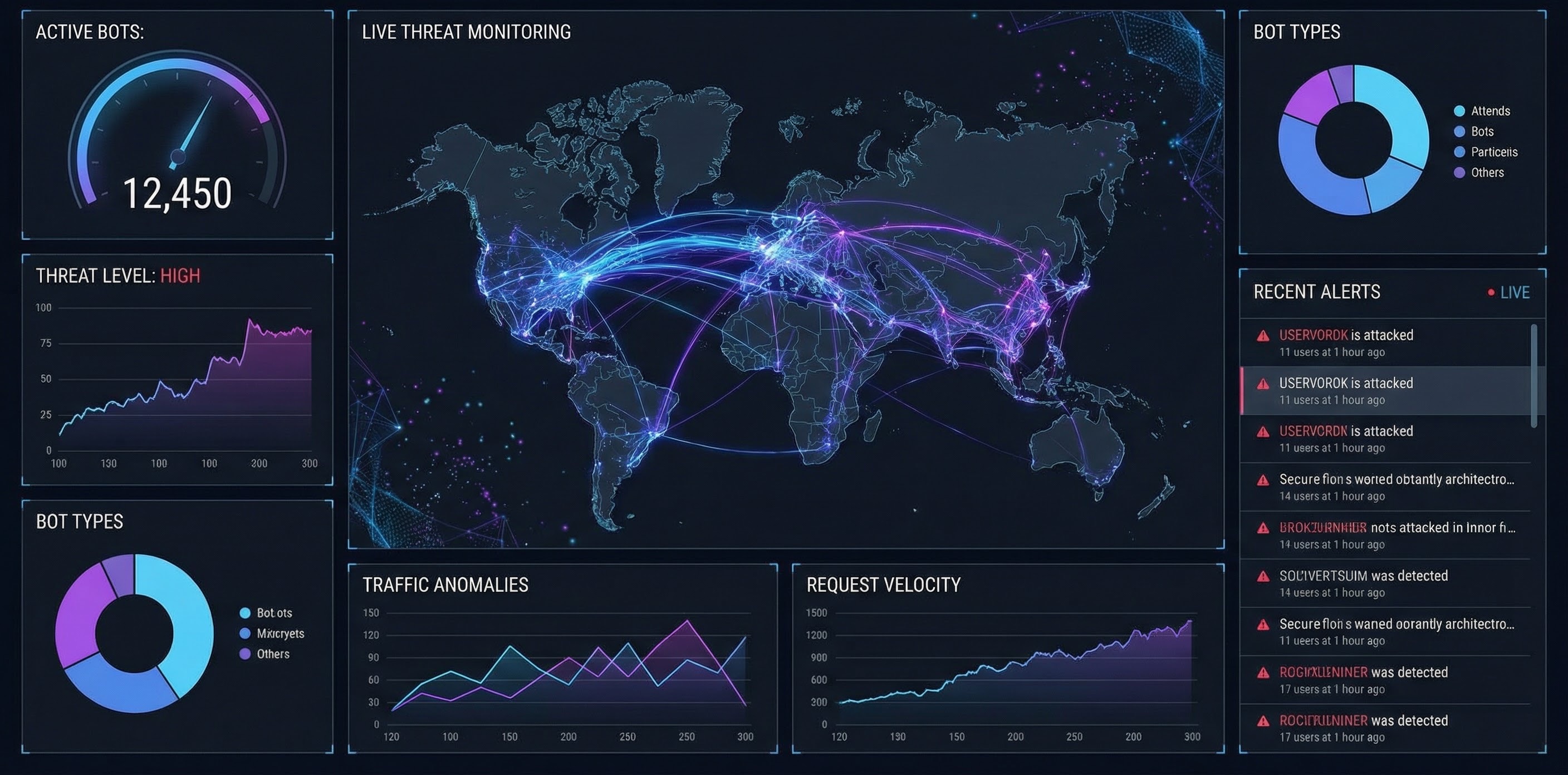
“Protect against bots” often gets treated like a perimeter problem: shield the whole site and call it done. In practice, bots don’t care about your homepage copy. They care about high-value actions: signup, login, password reset, checkout, and your APIs.
OWASP frames this neatly as automated threats to web applications—automation abusing normal functionality rather than a single exploitable bug (OWASP Automated Threats). That’s good news: you can focus your effort where it actually pays off.
Some bots are useful: search crawlers, uptime monitoring, partner integrations. The win is blocking malicious automation while letting legitimate automation and real people through.
So don’t aim for a dramatic “we stopped 100% of bots” slide. Aim for measurable outcomes: fewer fake accounts, fewer takeovers, fewer scraped pages, fewer costly API calls.
Most successful bot defences boil down to a simple system:
This is the same pattern you see in risk-based approaches across the industry (for example, scoring models that require a server-side decision). The point isn’t the vendor—it’s the architecture.
If your team only agrees on one policy, make it this:
This gives product owners control over friction, and gives developers something deterministic to implement and debug.
Bots concentrate where value concentrates. Start with one or two endpoints, ship, measure, then expand.
Credential stuffing and brute force attempts love predictable auth endpoints. NIST’s Digital Identity Guidelines are blunt here: the verifier shall implement rate limiting to effectively limit failed authentication attempts (NIST SP 800-63B).
Practical starting point:
/login vs /password-reset (they are not the same risk).Fake accounts drive referral abuse, free-trial farming, and downstream support mess.
Practical starting point:
POST /signup.APIs are how bots skip your UI entirely.
Practical starting point:
Rate limiting turns “infinite attempts” into “finite cost”. When you throttle, use clear semantics: HTTP 429 Too Many Requests literally means the client sent too many requests in a given timeframe (MDN on 429).
A few rules of thumb that work in production:
/login or /signup).This approach keeps scope sane and makes progress visible.
Humans Only helps you protect against bots with fast, privacy-first verification (typically under 2 seconds), zero tracking, easy drop-in integration, and real-time analytics.
If you want to stop automated abuse without turning your UX into a security side quest, Humans Only is built for it: Stop Bots, Welcome Humans.
We use cookies to improve your experience and anonymously analyze usage.
