
Published on 2026-02-19
How to move from widgets to risk-based verification—without turning bot defence into a never-ending tuning project.
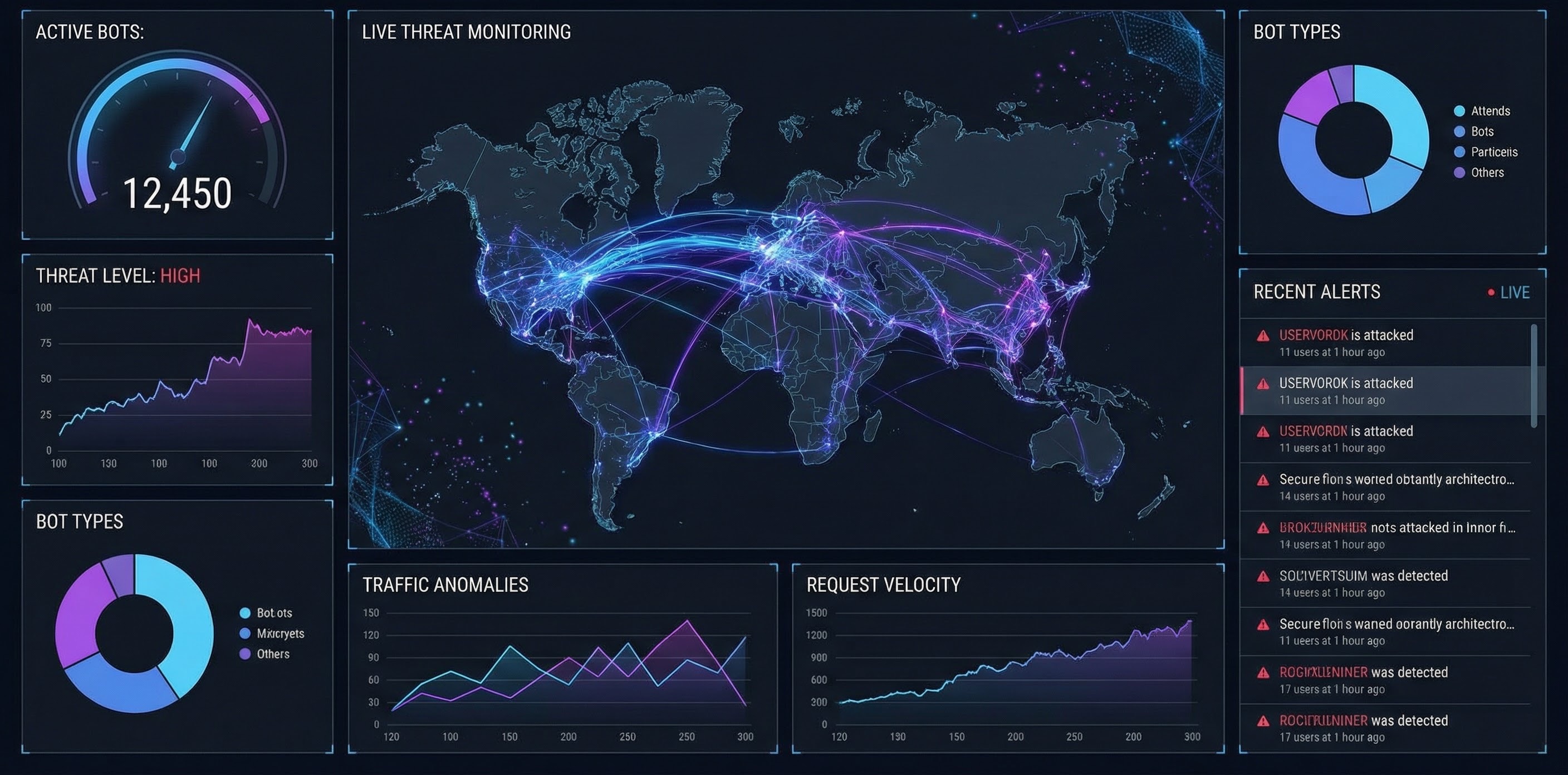
Replacing Google reCAPTCHA is rarely about swapping one widget for another. It’s about getting to a reCAPTCHA replacement that’s easier to run in production: clearer outcomes, measurable impact, and less time spent tuning thresholds.
For product owners, the win is simple: protect sign-up, login, and high-value actions without wrecking conversion. For developers, it’s a stable pattern you can reuse across endpoints.
Primary keywords: replace Google reCAPTCHA, reCAPTCHA replacement
Secondary keywords: Google reCAPTCHA alternative, bot prevention, risk-based verification, human verification
Google offers multiple reCAPTCHA variants. The big behavioural shift came with reCAPTCHA v3, which returns a score (0.0–1.0) and expects your backend to decide what happens next (allow, step-up, or block) (reCAPTCHA v3 docs).
Even in Enterprise, Google frames the choice between score-based keys and challenge-based keys depending on how much friction you want to introduce (reCAPTCHA key types overview).
So when teams say “we want to replace Google reCAPTCHA”, they usually mean:
Different products need different levels of change. Here are the realistic categories.
This is the most dependable way to replace Google reCAPTCHA across multiple endpoints. You score or classify requests, then choose a response.
A practical model is:
This lines up well with how OWASP talks about automated abuse (fake accounts, credential stuffing, scraping, scalping) as “automated threats” against normal app functionality (OWASP Automated Threats project).
If you mainly need coverage on a couple of web forms, an embedded solution can be a fast route.
Cloudflare’s Turnstile is a common comparison point; Cloudflare positions it as a privacy-focused challenge alternative and provides a drop-in widget + server-side verification flow (Turnstile docs).
Not a full reCAPTCHA replacement, but extremely effective as a step-up for risky logins or account changes.
Passkeys/WebAuthn are the W3C standard for public-key credentials in the browser (WebAuthn spec). Think of this as “prove it’s really the account owner”, rather than “prove it’s a human”.
If you try to “replace reCAPTCHA everywhere” in one sprint, you’ll either ship nothing or ship something you can’t measure. This plan stays sane.
Pick 1–2 flows where abuse has clear cost:
Whatever you use to replace Google reCAPTCHA, define this server-side contract:
This keeps the logic debuggable and consistent across teams.
To make a reCAPTCHA replacement successful, track:
A safe rollout looks like:
Say your free trial is being hammered by automated sign-ups.
A sensible replacement pattern:
POST /signup.The goal isn’t “maximum blocking”. It’s maximum legitimate sign-ups with minimum successful abuse.
Use these to force clarity (and avoid buying a black box).
Humans Only is a reCAPTCHA replacement designed for product owners and developers who want strong bot prevention with an experience that stays pleasant for real people.
It’s fast (typically under 2 seconds), privacy-first (zero tracking), and built to drop into your flows with real-time analytics—so you can see what changed after you replace Google reCAPTCHA.
To replace Google reCAPTCHA well, don’t optimise for “a different puzzle”. Optimise for risk-based verification, clear allow/step-up/block outcomes, and metrics you can defend in a roadmap review.
That’s how you Stop Bots, Welcome Humans.
We use cookies to improve your experience and anonymously analyze usage.
