
Published on 2026-02-19
Protect limited drops and ticket-style launches with low-friction bot prevention that keeps humans moving.
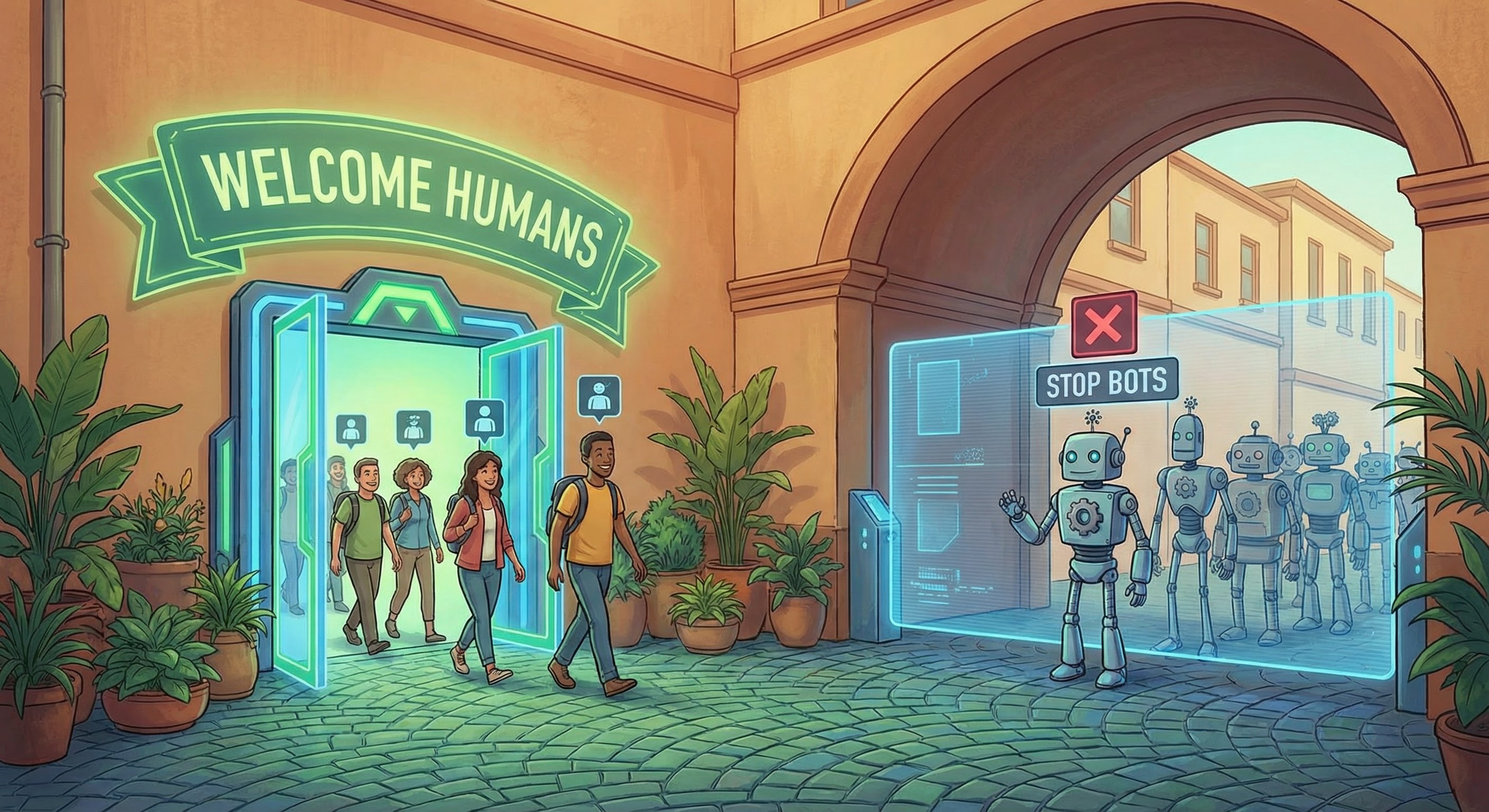
Scalper bots (also called ticket bots, sneaker bots, or scalping bots) are automated scripts designed to buy limited stock faster than any human can. They monitor launches, spin up multiple sessions/accounts, and hammer your add-to-basket and checkout endpoints in milliseconds.
OWASP classifies this kind of behaviour as an automated threat to web applications: attackers abuse normal product functionality at machine speed, rather than exploiting one magical vulnerability (OWASP Automated Threats). That framing matters, because it means the fix is operational: detect, decide, respond.
Primary keywords: - stop scalper bots - scalper bots
Secondary keywords: - bot prevention - inventory hoarding - ticket bots - queue management
You don’t need a PhD in bot detection to spot the pattern. Scalper bots leave fingerprints in business metrics and backend behaviour.
Look for: - Stock disappears instantly, but payment success doesn’t rise in line with it (holds and abandons). - Huge bursts on a small set of endpoints (basket/hold/checkout) at launch time. - Lots of “different users” behaving identically: same flows, same timings, same headers, same errors. - Unnatural navigation: skipping pages humans usually touch, or repeating the same action with tiny variations.
Concrete example: a limited drop goes live at 10:00. At 10:00:01 you see 20,000 POST /cart/hold calls, then a spike in timeouts, then customer support tickets saying “sold out instantly”. That’s not hype—it’s automation.
If your plan to stop scalper bots is “add a CAPTCHA” and hope for the best, you’ll end up playing whack-a-mole. A more reliable approach is a simple loop:
For most teams, the policy that stays shippable is: - Allow (low risk) - Step-up (medium risk) - Block or throttle (high risk)
This keeps product owners aligned (clear trade-offs) and developers sane (predictable states to debug).
Scalper bots don’t care about your homepage. They care about the endpoints that reserve stock and convert it into orders.
Prioritise protection on:
- Queue / waiting room entry (where applicable)
- Reservation/hold endpoints (e.g. POST /hold, POST /cart)
- Add to basket and update quantity
- Checkout creation and payment confirmation
- Promo apply (scalpers love discounted inventory too)
Concrete example: if you only protect login, a bot can still hit “guest checkout” at speed. If you only protect checkout, a bot can still drain inventory by placing holds. Protect the value chain.
You don’t need 12 overlapping tools. You need a few controls that reinforce each other.
Rate limiting works best when it’s boring and precise. Apply different thresholds for hold/cart/checkout and escalate when behaviour worsens.
Cloudflare’s guidance on rate limiting best practices is a solid reference point for practical rule design and escalation (Cloudflare rate limiting best practices).
Keys that work better than IP-only: - IP + session ID - basket/checkout session ID - account ID (if logged in) - email/phone (once collected) - device/browser integrity signals (where available)
For high-demand drops (tickets, limited releases), queue management isn’t just about performance—it’s about fairness and control.
A good queue does three things: - smooths traffic so your backend survives the spike - limits how many purchase attempts a single actor can run in parallel - gives you an enforcement point for risk decisions before users hit checkout
Ticketing platforms often describe “smart queue” approaches as a way to prioritise fans and reduce bot traffic during onsales (see an example of “Smart Queue” positioning here: Ticketmaster Smart Queue).
Don’t blanket-challenge everyone. Step up when your signals suggest automation: - high-velocity holds or add-to-basket - rapid retries after errors/timeouts - lots of parallel sessions that converge on the same SKU/seat map - suspicious networks + scripted flow behaviour
This is the “pleasant for humans, expensive for bots” sweet spot.
Small engineering changes can break a lot of commodity bot tooling: - one-time tokens for holds and checkout steps - tokens bound to a session (reject session A token used in session B) - strict idempotency for checkout/payment actions - limit “quantity increase” frequency on scarce SKUs
This isn’t theatre. It forces bots to keep state correctly, which is where many of them fall apart.
Here’s a plan you can actually ship before the next drop:
Concrete example: start with step-up only when a single session attempts 10 holds in 30 seconds, or when a device makes repeated holds across many accounts. Keep the first version conservative, then tighten.
If your dashboard only celebrates “requests blocked”, you’ll optimise for drama.
Track: - Hold-to-purchase conversion (bots often hoard but don’t complete) - Abandoned holds and hold timeout volume - Step-up rate and step-up pass rate - Checkout conversion during launches versus baseline - Time to complete checkout for real users
A win looks like: inventory lasts longer, genuine customers get through, and your infrastructure stops melting at 10:00.
Humans Only is built for bot prevention that’s fast, privacy-first, and pleasant for real users—without frustrating image puzzles. You can deploy verification exactly where scalper bots attack (queue entry, holds, add-to-basket, checkout) and use real-time analytics to tune your allow / step-up / block policy with confidence.
If you’re ready to stop scalper bots without turning your launch into a fortress, Humans Only is designed for it: Stop Bots, Welcome Humans.
We use cookies to improve your experience and anonymously analyze usage.
